When Your Kid's STEM Project Becomes a Crash Course in AI-Assisted Development
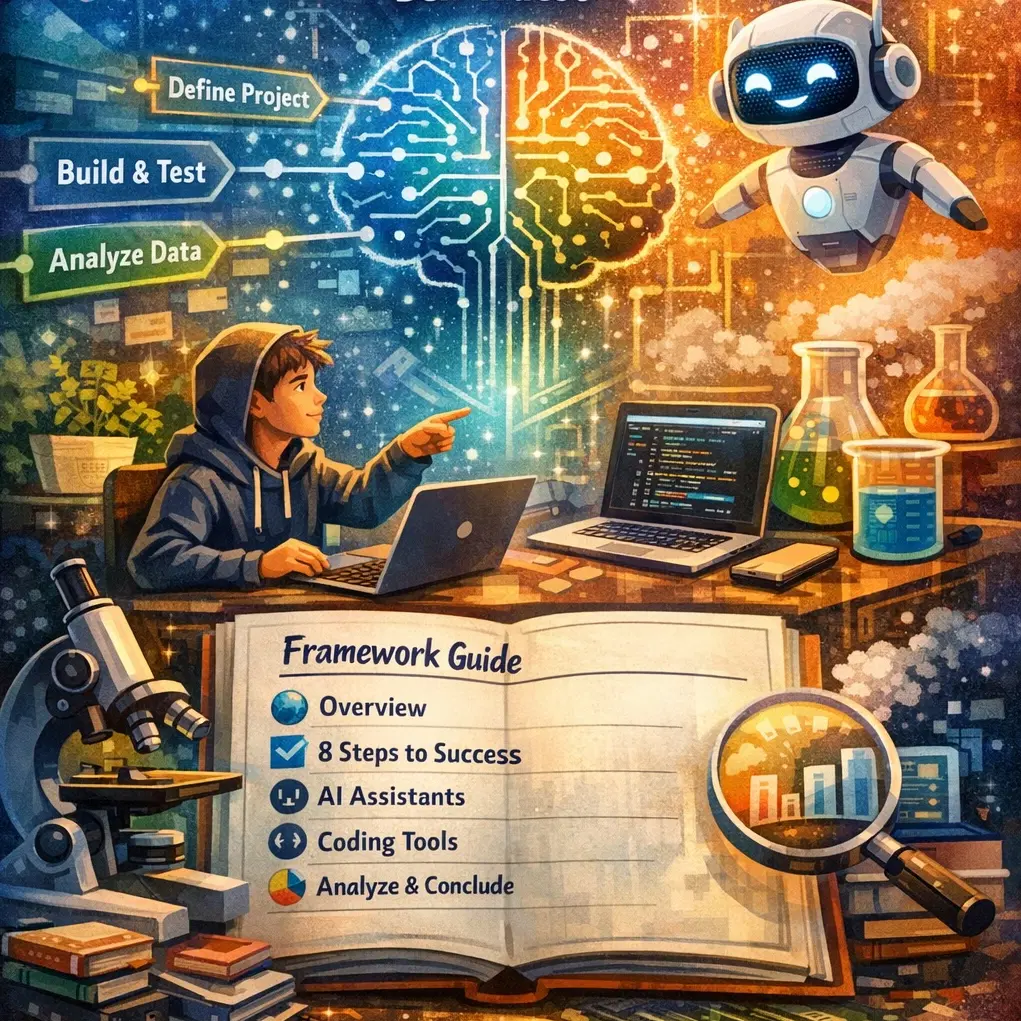
My son came to me with his STEM project idea: "How music affects mood." Pretty standard middle school science fair topic—he'd have participants listen to different types of music and report how it made them feel.
But then he announced he was going to build an app for it.
I'd recently showed him how to vibe-code some simple JavaScript browser games with Claude, and he'd gotten hooked. He'd paste errors back to the AI, describe what he wanted in plain English, and somehow end up with working games. Not elegant code. Not code he could explain line-by-line. But working code that he was genuinely proud of.
So when he decided his STEM project needed an app, I thought: perfect opportunity. He could use AI to build something real while actually learning how software development works.
Easier Said Than Done
Trying to guide him through this turned into a mess pretty quickly.
"Okay, first you need to define your hypothesis clearly..."
"Wait, before we code, let's think about what features you actually need..."
"Hold on, you should probably set up GitHub first..."
"Actually, have you thought about what your app will look like?"
I kept jumping between explaining the scientific method, teaching him how to prompt AI effectively, helping him debug, and trying to make sure he understood what he was building. Every conversation felt scattered. I'd forget what we'd already covered. He'd get stuck on something and I'd realize I'd skipped three important steps.
So eventually I decided: maybe it's time to write this all down.
AI as Lab Assistant, Not Lab Director
I built him a framework with a simple philosophy: You are the scientist. AI is your lab assistant.
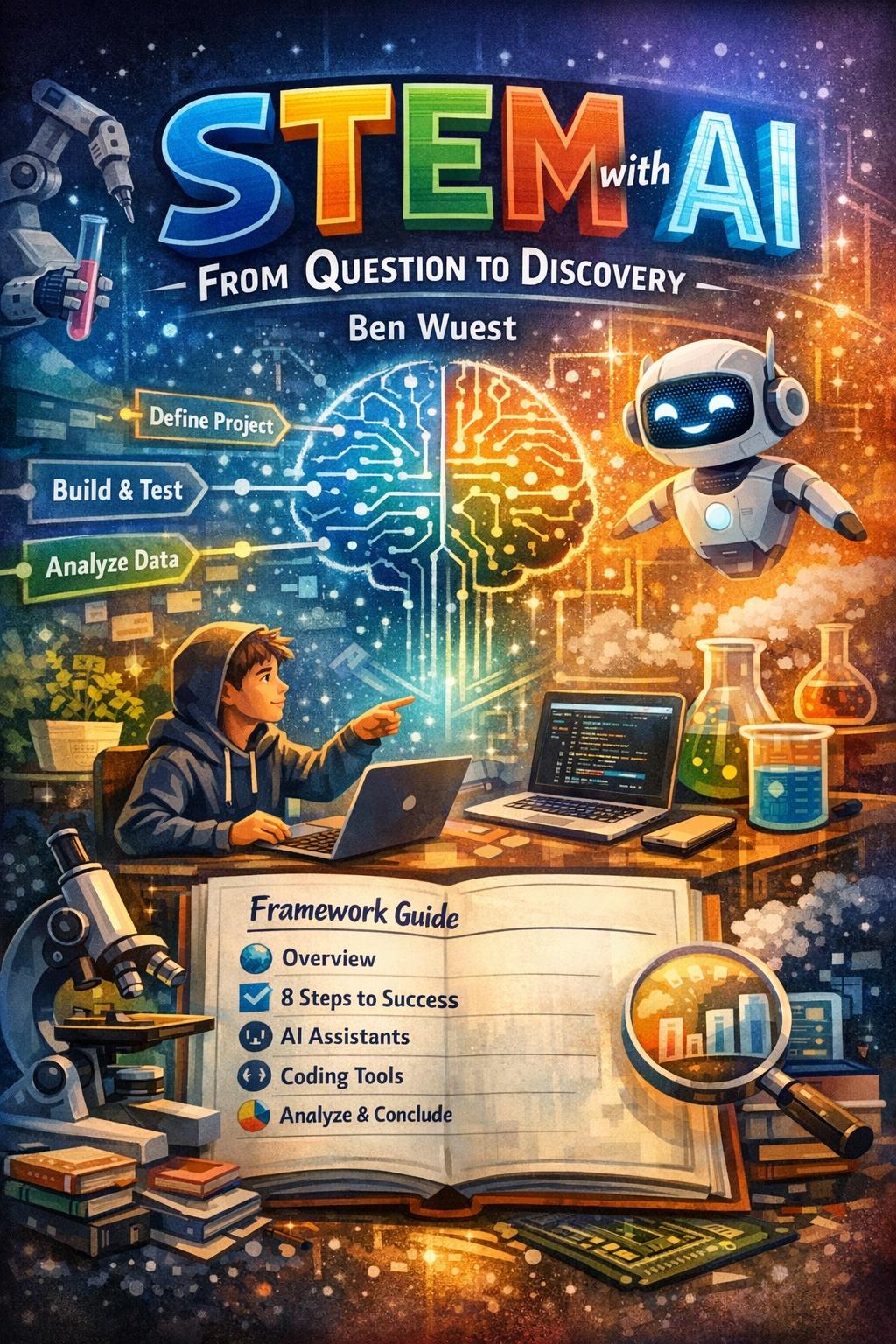
The framework walks through eight phases, merging the scientific method with software development:
- ▸Define Your Project — Form your hypothesis, identify variables (AI helps refine your question)
- ▸Set Up Your Tools — Gather materials and dev tools (AI recommends options)
- ▸Design Your Application — Plan what your data collection app does (AI helps think through features)
- ▸Choose Your Tech Stack — Pick technologies (AI explains trade-offs)
- ▸Design UI/UX — Sketch screens and user flow (AI generates wireframes)
- ▸Build & Test — Write code and fix bugs (AI writes, you understand)
- ▸Collect Data — Run the experiment (AI helps spot quality issues)
- ▸Analyze & Conclude — Find patterns, draw conclusions (AI handles calculations, you interpret)
At every phase, there's a clear division: AI handles "grunt work" (typing syntax, calculations, formatting). My son handles the "real work" (curiosity, decisions, understanding).
The Questions That Matter
I gave him a test to know if he's using AI properly:
- ▸Can you explain what your project does and why?
- ▸Do you understand the main parts of your code?
- ▸Did you make the key decisions, or did you just accept AI's suggestions?
- ▸Could you answer your teacher's questions about this project?
If he can't answer "yes" to these, the AI has stopped being an assistant and became a crutch.
Why This Approach Works
Here's the thing: the STEM project provides natural constraints that force genuine learning.
- ▸He has to understand his hypothesis because AI can't form one for him.
- ▸He has to design the data collection because he knows what variables matter for his experiment.
- ▸He has to test if the app works because bad data means a failed experiment—AI can't test the physical world.
The code itself? Sure, AI writes most of it. But he's learning:
- ▸How to break problems into steps
- ▸How to communicate requirements clearly
- ▸How to debug when things break
- ▸How to make design decisions
- ▸How software gets built, from idea to deployment
These are the skills that actually matter. Not memorizing syntax or CSS properties, but understanding how to think about building something.
From One Kid's Project to a Framework
What started as me trying to help my son turned into something that might help other kids (and parents) tackle the same challenge. It's designed for middle schoolers with zero coding experience, teachers guiding projects, or parents like me who realized verbal explanations weren't cutting it.
Your kid doesn't need to become a software engineer. But teaching them to think like one—to decompose problems, test systematically, and understand what they're building even when they didn't write every line—that's a skill that transfers everywhere.
The full framework guide is available with step-by-step instructions, prompt templates, and worksheets for each phase.
View the full STEM with AI Framework→
The scientist's name goes on the paper. The lab assistant doesn't get the credit. That's how it should work with AI too.